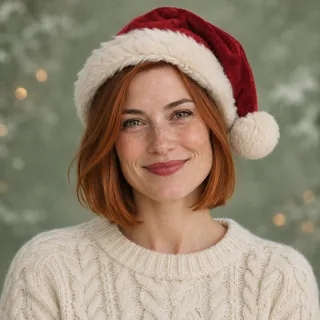
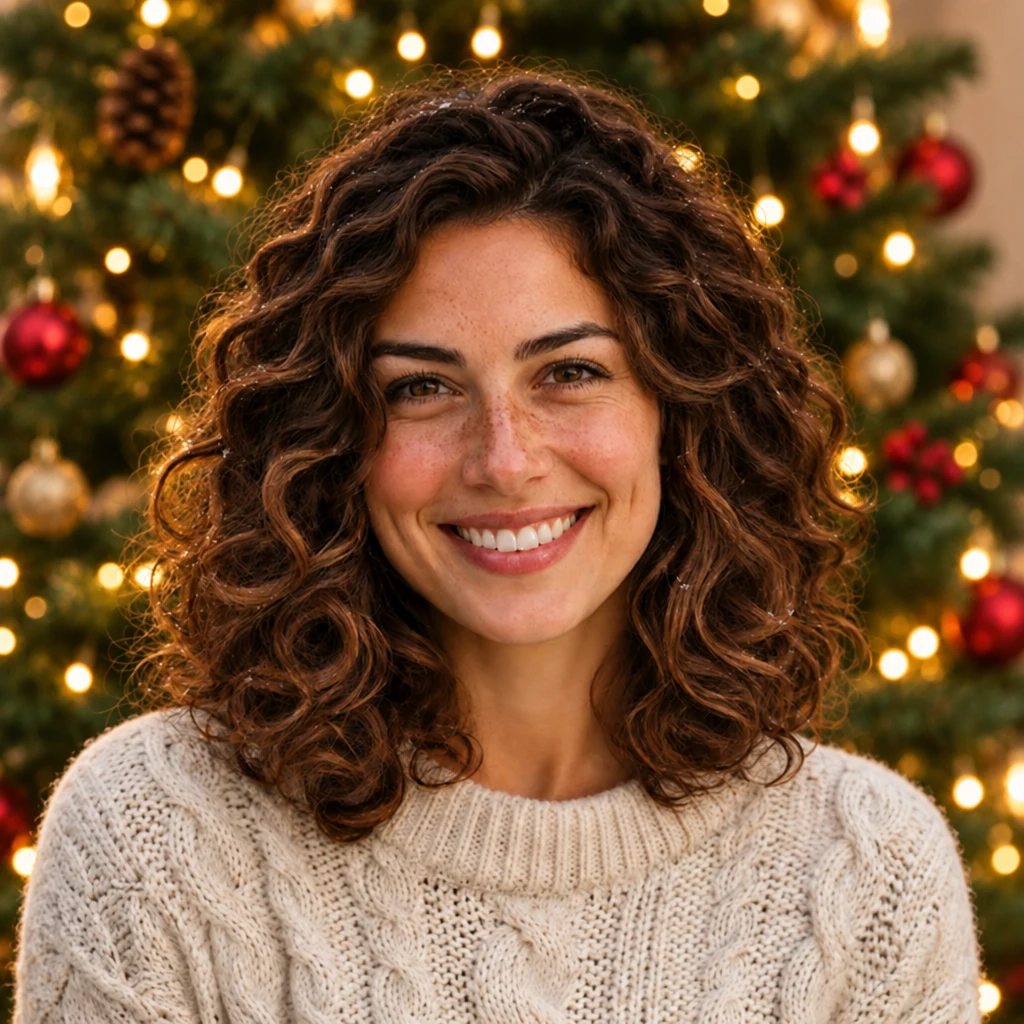
Christmas PFP
Friends
Matching Christmas PFPs for a Trio or Four Friends
Make matching Christmas PFPs for three or four friends. Use a shared style brief, compare a complete trio and keep each person recognizable.
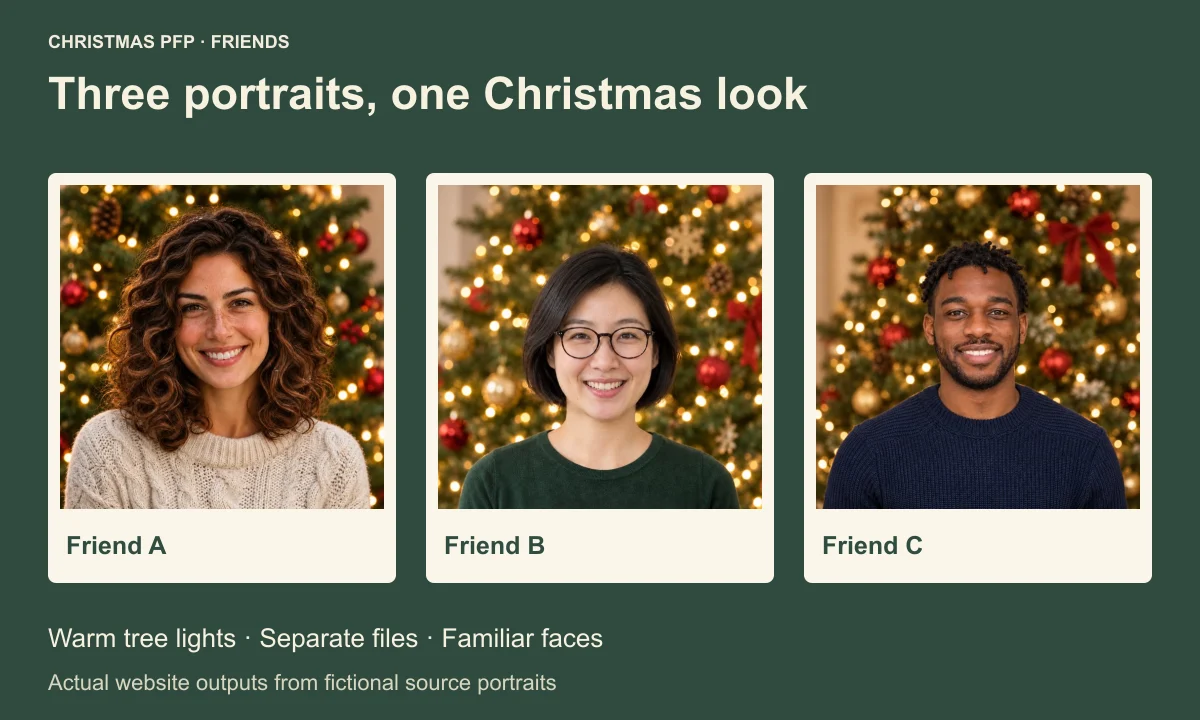
Start matching Christmas PFPs for friends by agreeing on one look, then make a separate portrait for each person. A trio needs three usable files. A fourth friend needs a fourth file, with their own face checked against their own source photo.
The complete trio in this guide was generated in Christmas PFP on November 16, 2026. It uses three fictional adults, three separate uploads and the same Warm Christmas tree style. Each successful portrait cost 5 credits, for 15 credits altogether. The saved files below show the complete set from those three generations.
Write a brief everyone can follow
Choose the shared parts before anyone spends credits. Our set uses softly blurred tree lights and a photographic finish. The people keep different clothes and hair. That leaves a clear connection between the images while giving each friend something familiar to recognize.
You can copy the table below into your chat and change the choices together. Pick one shared style name so everyone can find the same option in the studio.
| Decision | Brief used for this trio | Your friends can agree on |
|---|---|---|
| Photo mode | Just me, one person per upload | A separate clear portrait for everyone |
| Style | Holiday portraits, then Warm Christmas tree | One exact style name |
| Shared detail | Warm tree lights, no added hat | One background treatment or accessory |
| Personal features | Keep curls, glasses, twists and familiar expressions | Features each person wants to check |
| File plan | Separate square masters, then round previews | Who receives each named file |
| Changeover | Decide after all three approve their files | A day and time everyone can make |
If your set is for two people, the matching Christmas PFP couples guide covers the pair comparison. With a trio, add a full-set review so the third image gets the same attention as the first two.
Start with three readable source photos
Use a photo that shows the face and complete hair outline. Leave room around the head. Our fictional sources differ visibly. One person has broad brown curls and a cream sweater. Another wears round glasses with a short dark bob. The third has short twists, a close beard and a navy knit top.
Those differences are useful when checking the finished set. A shared holiday treatment should still leave the glasses wearer with recognizable frames and the curly-haired person with a familiar silhouette. Put each result beside its own source before judging how well the backgrounds match.
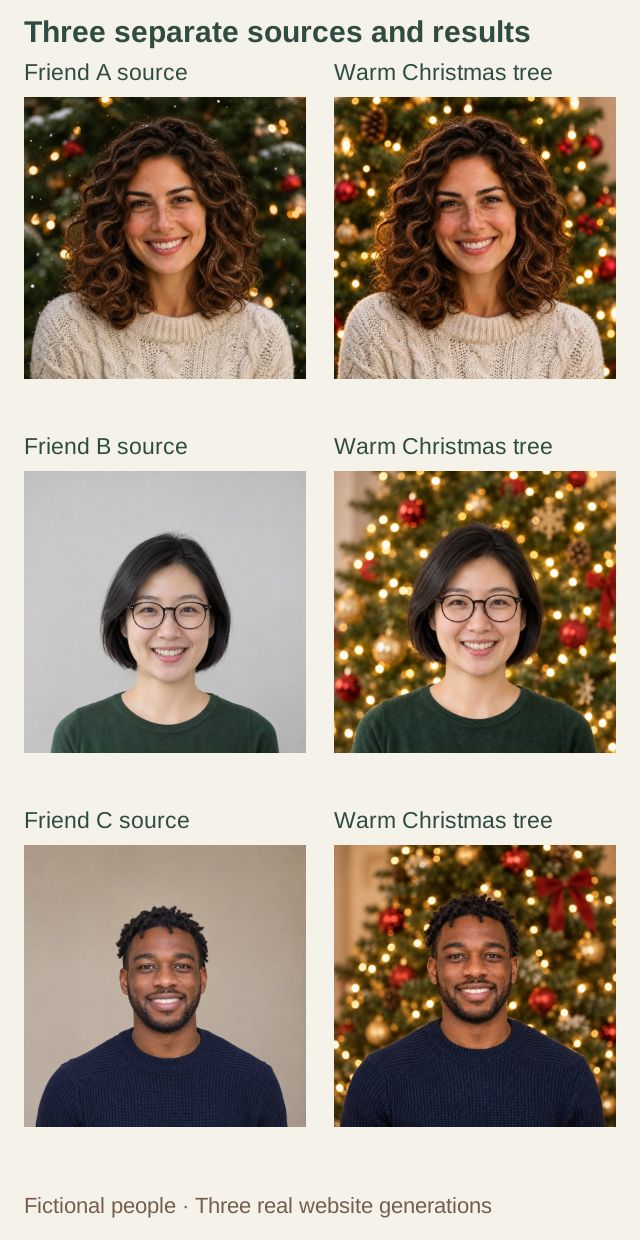
Three fictional adults, each uploaded and generated separately in the live studio on November 16, 2026. The same style produced related backgrounds with different light and ornament positions.
In this example, each source was uploaded separately and Fit whole photo was selected before generation. This kept the full square input in view. A friend with a much tighter selfie may need another source photo to give the style comparable room above the head.
Generate one friend at a time
Open the Christmas PFP studio, choose Just me, and upload the first portrait. Select Holiday portraits, then Warm Christmas tree. Check the active name before generating. When the result is ready, save it and replace the input with the next person's photo. Repeat the same choice for the third friend.
This workflow creates separate best friends Christmas avatars. The All of us mode makes a complete group photo and serves a different purpose. For this set, all three portraits were independent generations. Each file had its own generation and review. The shared style placed lights and ornaments differently in each result.
Our three successful results used 15 credits in total. Four successful individual portraits use 20 credits at the current 5-credit rate. Any extra version you choose to generate adds another generation. Review the pricing and credit details before agreeing on a budget, especially if everyone plans to try several styles.
Compare the whole trio together
The finished pictures share green tree backgrounds, golden light spots and a photographic treatment. The cream, green and navy tops remain different. You can see the connection without making the people look like they borrowed the same sweater.
Look first at each face. The glasses in the middle portrait have two clear rims and a visible bridge. The curly-haired portrait keeps its broad smile and hair outline. In the third picture, the beard and short twists remain visible against the lighter background. These observations apply to this saved trio; check your own results just as closely.
Then look across all three pictures. The amount of tree above the heads varies, and the curls fill more of the frame than the short bob. Compare the faces at the same displayed size. Adjust the final crops while keeping the hair and features each person wants to show.
You can inspect the complete Friend A portrait, Friend B portrait and Friend C portrait separately.
Check the set at small avatar sizes
The round samples below show every member at 96 and 48 CSS pixels. They are editorial comparison sizes, not upload specifications for a social platform. The small circles let you compare the entire matching Christmas PFP trio without enlarging one person more than the others.
| Member | 96 px | 48 px |
|---|---|---|
| Friend A |  |  |
| Friend B |  |  |
| Friend C |  |  |
At the smaller size, the broad hair outlines and clothing colors are easier to separate than individual tree ornaments. Check whether everyone is recognizable without relying on a name underneath. If one face is much smaller, adjust that file's crop before changing the whole group's chosen style.
For a Discord set, follow the Christmas PFP for Discord guide when uploading. Review the destination app's own crop for each account, even after the pictures look balanced together here.
Add a fourth friend and distribute the files
For a Christmas PFP for 4 friends, give the fourth person the same brief and generate their portrait separately. Place all four results together before approving the set. The demonstration here supplies the three-person comparison to start from.
Use filenames that identify both the recipient and version, such as friend-b-christmas-square.png. Send each person their square master directly so nobody has to crop their face out of a collage. Keep the original photos and the approved files in separate folders.
Agree on the changeover after everyone has received and checked their own picture. Each friend can then update their own account and check the final thumbnail beside their name. Start the first portrait in the studio with your shared style brief nearby.