Christmas PFP
Funny ideas
Funny Christmas PFP Ideas Using Your Own Expressions
Make a funny Christmas PFP from a familiar expression. Compare playful ideas for people and pets, then check whether the joke survives a small avatar.
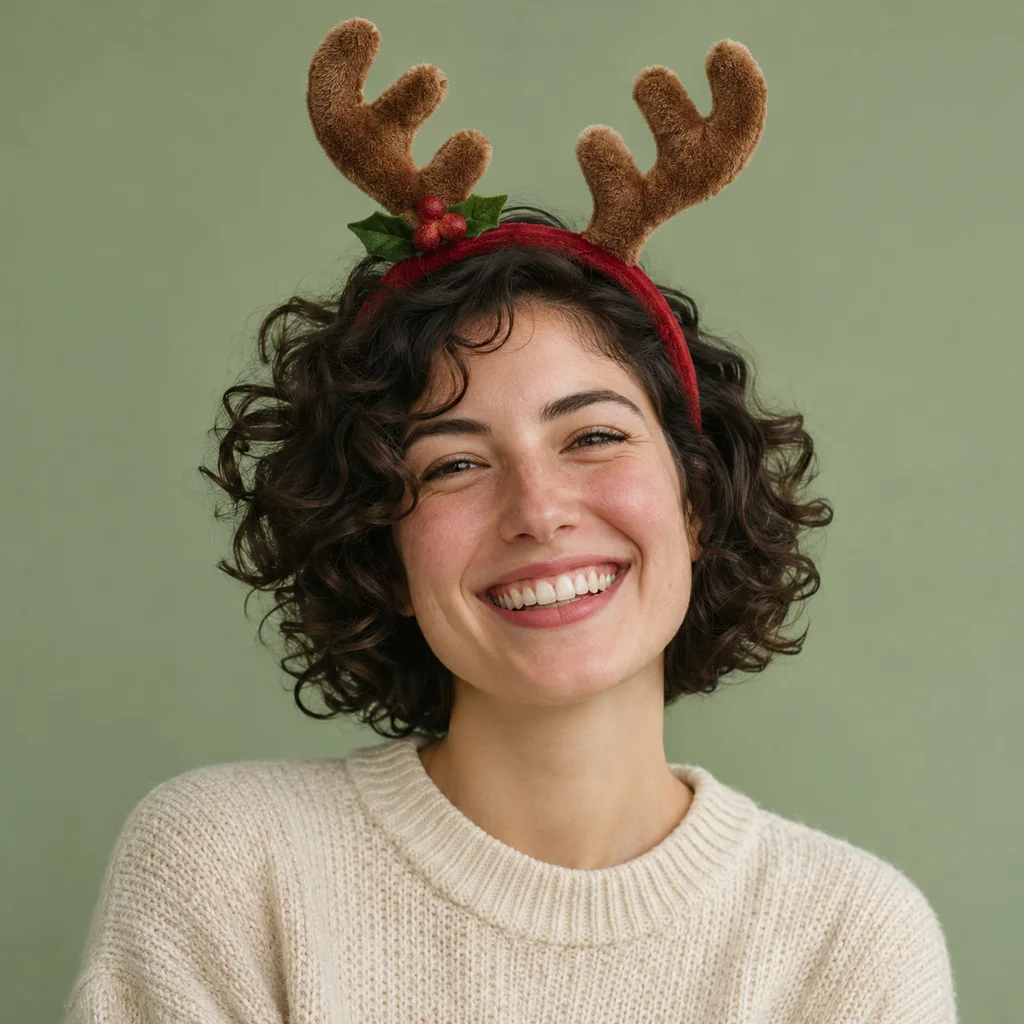
A funny Christmas PFP can start with the expression already in your photo. A straight face under small reindeer antlers, a broad grin beneath a Santa hat, or a pet's questioning head tilt gives the festive detail something to work with. Choose the expression before choosing the accessory.
The drawings below are original design studies showing how those combinations might read. They are invented illustrations, not examples generated from customer photos. Christmas PFP has no setting that precisely raises an eyebrow, changes a smile or directs a pet's gaze. Your source photo supplies that starting expression, and the result still needs checking.
Pick a photo whose expression needs little explanation
Look through your own photographs for a face you recognize immediately. A small sideways smile can work when your friends already know it. A wider grin is easier to see in a tiny avatar. If the joke depends on someone remembering a long conversation, the image may need an accompanying post to make sense.
Choose a sharp original where the eyes and mouth are visible. A hand across the lower face removes part of the expression. Sunglasses may hide the raised eyebrow that made you choose the photo. Keep those details when they matter to you, but judge the visible result rather than the expression you remember making.
For pets, start with a comfortable, ordinary moment. Use an existing photo of a tilted head, an alert look or a relaxed mouth. There is no need to put a physical costume on the animal to prepare an upload. The Christmas PFP ideas guide can help you choose a broader direction once you have a suitable source.
Try a straight face with short antlers
The first illustration pairs a level mouth with antlers and a little bell. The calm expression makes the accessory look slightly more ridiculous. That is the effect we aimed for in this drawing.
In the studio, Plush antlers asks for a low headband with short plush antlers. It also asks to keep the existing background and leave the eyes clear. Those are editing directions, so inspect the actual placement. A headband that drops across an eyebrow can hide the detail you wanted people to notice.
Avoid choosing a very tight forehead crop just because it makes the straight face larger. The accessory also needs room. Our antler placement guide shows how to judge the headband, ears and outer points together.
Let a grin do most of the work
The second drawing uses an open grin and a single Santa hat. A busy scene would add more things to look at, so this example keeps the background plain. The visible teeth and lifted cheeks carry the expression.
For your own funny Christmas profile picture, choose Santa hat only if you want to begin with this accessory approach. Check the mouth against the source after generation. A changed smile can make the picture feel unfamiliar even when the hat itself looks convincing.
You can also keep an existing festive background if your source already has one. Adding several separate jokes to the same square is optional. The simple Christmas avatar guide explains how fewer competing details can give the face more space.
Keep the pet's questioning look
The third drawing pairs a tilted dog head with a small hat. Its unequal ear heights and sideways head angle remain visible. Those are deliberate illustration choices, rather than evidence that an AI edit will reproduce a particular pose exactly.
Choose My pet before selecting a style. The pet version of Santa hat only asks for a miniature hat while preserving the animal's ears and markings. A completed result can still have a larger hat than requested, as the saved example in our owner and pet guide shows.
Compare both eyes, the nose and the ear outline with your original. If the result straightens the head or changes its gaze, decide whether the funny pet Christmas avatar still has the quality you chose it for. A decorative improvement elsewhere cannot answer that question for you.
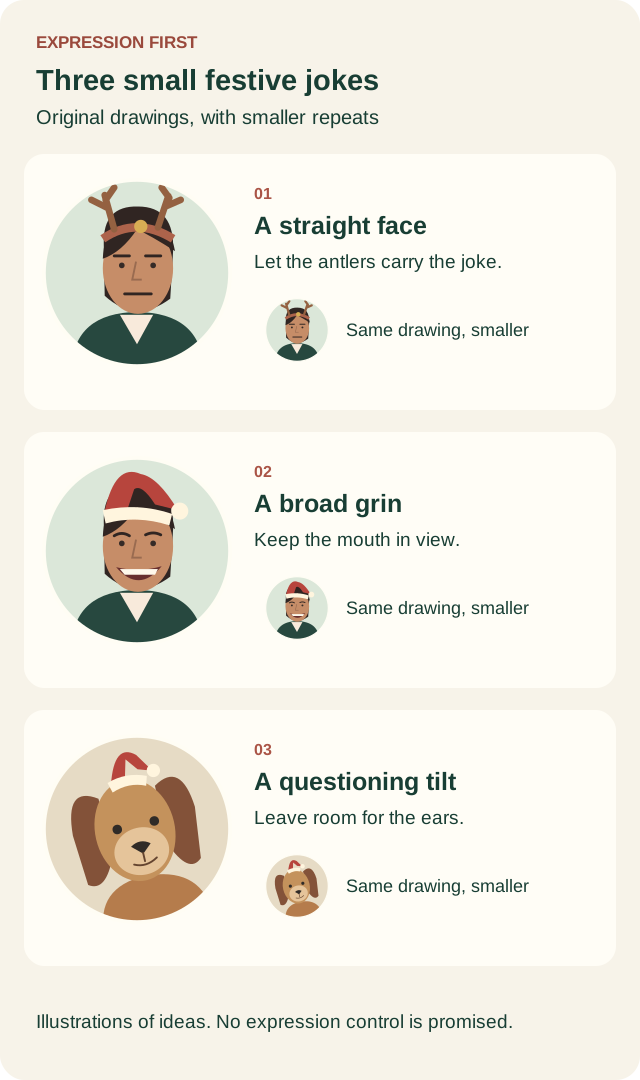
Original expression design studies. Each small circle repeats its larger drawing. These are illustrations of visual ideas, not application outputs or platform size requirements.
Check the joke at the size people will see
The small versions in the diagram reduce each whole drawing. Look at them without zooming. The antler silhouette survives more easily than its tiny bell. The grin remains a bright shape, and the dog's tilted outline still reads clearly.
Do the same with your finished picture. View the saved file small, then look at the destination app's crop. If you have to enlarge the avatar to explain the expression, choose a clearer source or a simpler accessory. Zooming the crop in may help the face, but it also removes room around the hat.
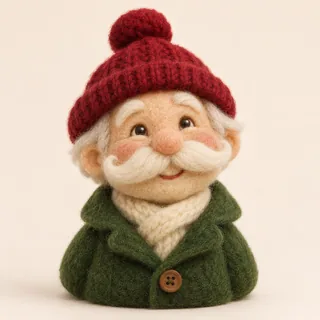
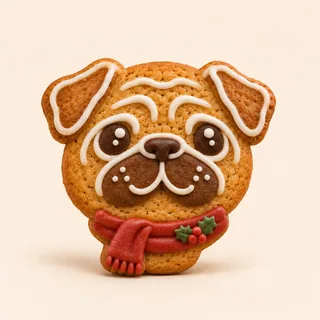
Material styles need a different expectation. Felt toy and Gingerbread character deliberately simplify the face into toy or icing features. They can make playful pictures, though a joke depending on one subtle eyebrow is a poor fit for that simplification. Choose them because you want the material change.
Stop when you have a usable version
Download the result before deciding to try again. Changing the download crop does not require another generation. Making another person or pet image uses 5 credits, including a new successful attempt at the same style. A confirmed technical failure returns the credits charged for that attempt.
Keep the humor attached to your own face or pet, using photos you have permission to upload. An original expression avoids needing a copied character meme or a celebrity face to explain the picture. If the straight-face idea suits your source, open the antlers style and check that the finished eyes and mouth still look familiar.